Two HDMI outputs.
Countdowns and cues on two outputs, on one rundown. The timer gets its own box, so your laptop's HDMI is free for slides and playback.
Coming soon
The show clock. Two HDMI outputs, and every browser on the network.
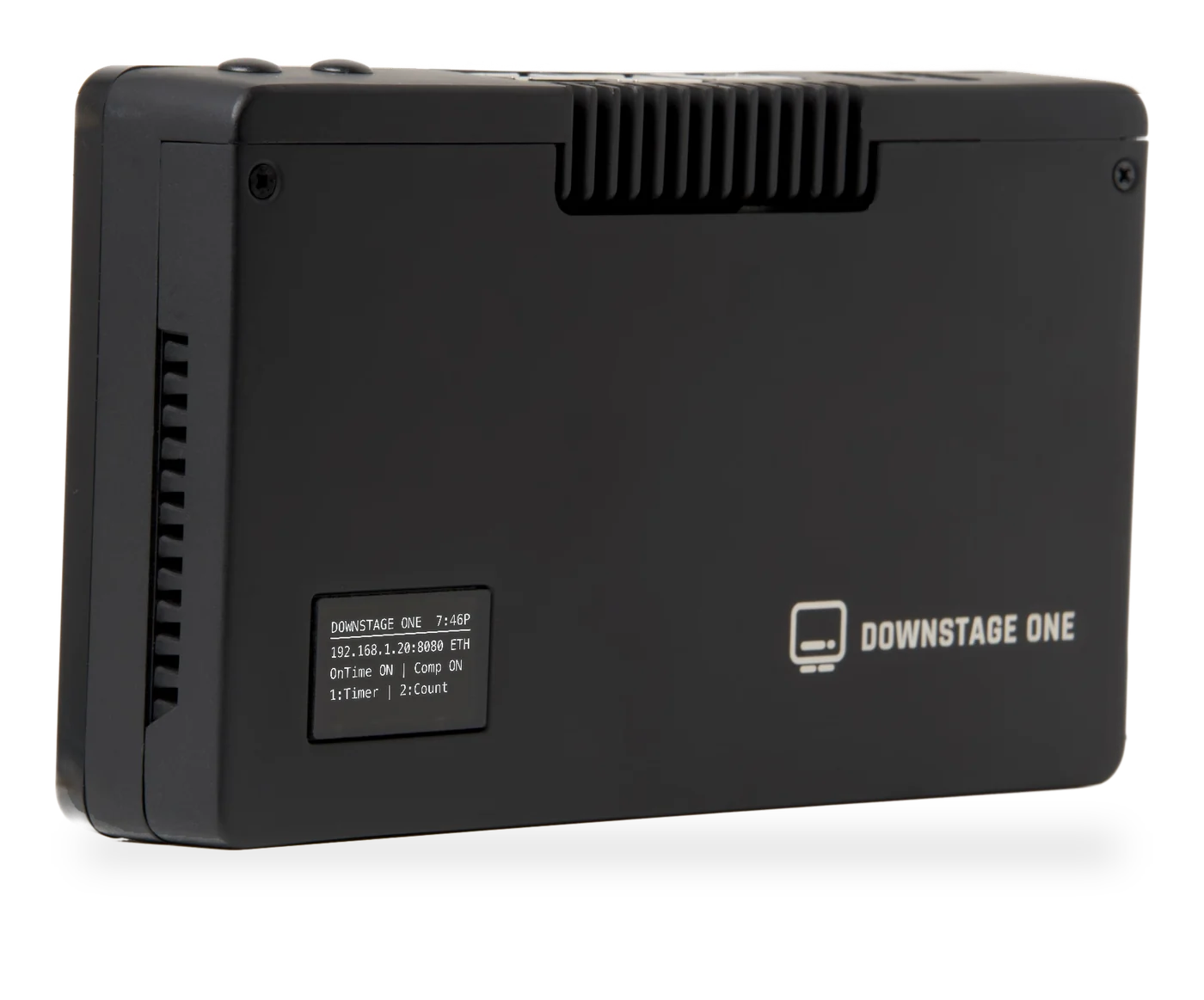
The show clock moves into a box of its own, with two HDMI outputs. Your laptop goes back to the slides, and stops being the one cable nobody is allowed to touch.
HDMI 2 ·
HDMI 1 ·
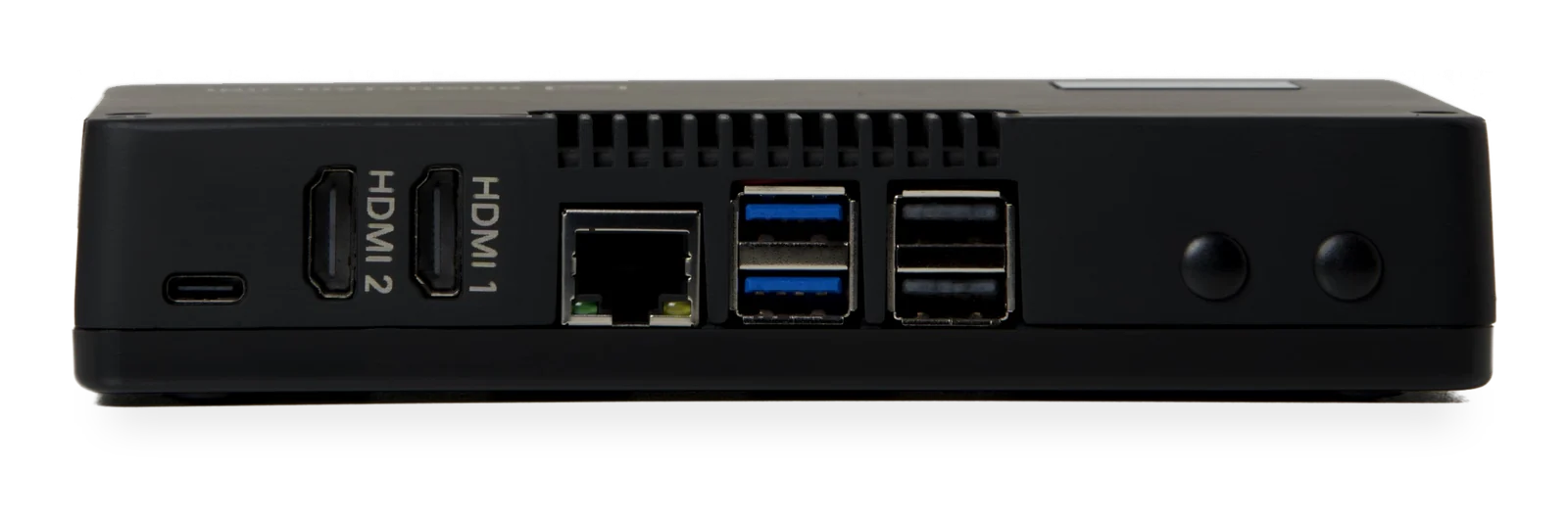
Both screens follow one rundown. Add a minute, and every screen in the building knows before the presenter does.
The timer is the headline act, but the same box earns its rack space all day.
Countdowns and cues on two outputs, on one rundown. The timer gets its own box, so your laptop's HDMI is free for slides and playback.
Tablets, TVs and laptops on the same network become timer views, with nothing to install.1
"Two minutes," out of the audio jack, with cue tones, so you can tie them into your comms system.
Bitfocus Companion runs onboard, so a Stream Deck on the One drives your switcher, cameras, OBS and the timer.2 No Stream Deck? The Virtual Deck puts the buttons in any browser. Already run Companion at front of house? Satellite mode hands the One's decks to your own Companion.
External Viewer puts any web page on either output: the day's schedule, slides, a dashboard. Two independent 1080p pages, managed from your phone.
Test card, SMPTE bars, grid, grey ramp and an AV-sync pattern, drawn on the device at native resolution before any server is set up.
No app to install, no account to make, no cloud to depend on.
Plug into the venue network, or don't. With no network, it opens its own WiFi and the front panel shows where to connect.
The front panel shows its address, like downstage-0000.local:8080. Build the rundown and set your views.
Confidence monitor at the podium, clock backstage, schedule in the lobby. Add five minutes and every screen updates at once.
Everything here exists because something went wrong at a real gig once.
If the timer server drops, screens show a clean holding page and come back on their own.
A second boot card rides inside, kept in sync. If the main drive fails, the One boots from the backup.
One button installs Downstage OS updates. A bad update rolls itself back.
A battery-backed clock keeps real time through power cuts. Everything runs in the room.
No venue WiFi? It broadcasts its own network, with its password on the quick-start card.
Every output to black, one press, from any phone on the network. Back just as fast.
Ontime and Companion install with one click, already set up for doors.
Tap for status, a big clock or the setup code. Hold three seconds for a clean shutdown.
Turns any screen into a display.
Plugs in behind the screen and shows the One's timer, full screen.
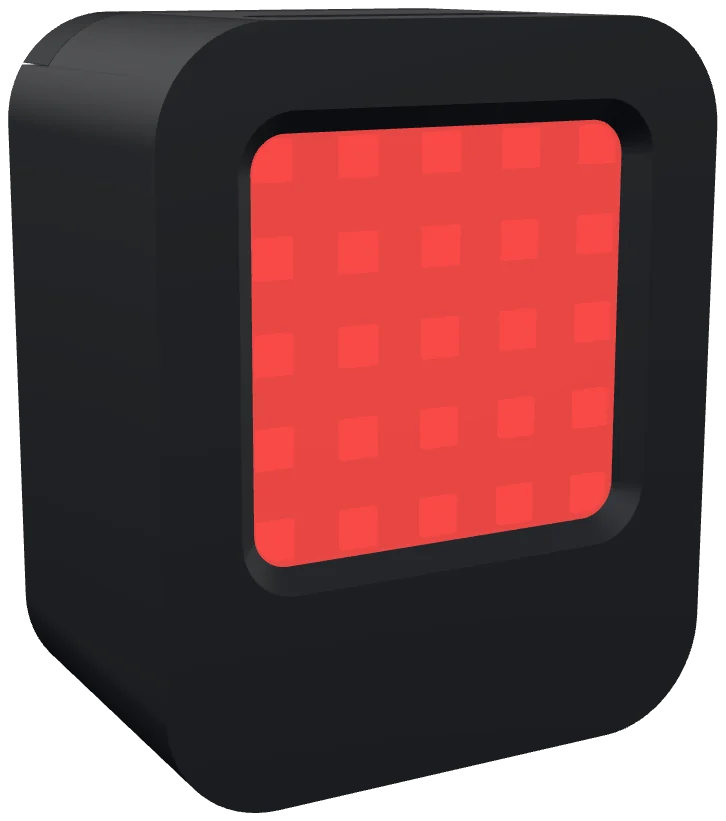
Tally for every camera.
Companion runs inside the One, so the Cue Mini and the Cue 360 join it with no computer to keep running.3
Leave your email and you will hear the moment it is ready, with the price and the ship date.
Only about Downstage. Unsubscribe any time.